To use this feature, please sign in to your account. If you don’t have one yet, follow the steps here: How to Create an Account.
- Go to your account dashboard, my selecting the user icon on the upper right

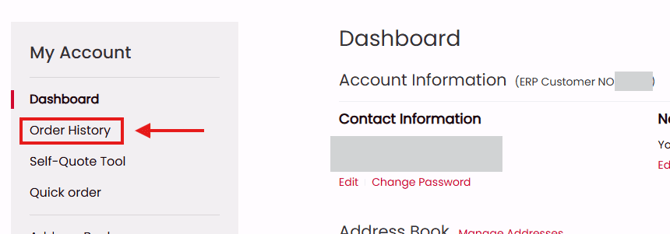
- From your account dashboard, select Order History
- Find an order you would like to download an invoice for and select the Action icon


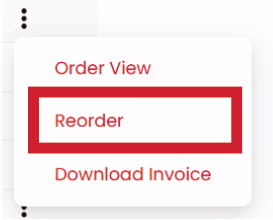
- Select Reorder and your items will be added to the cart
You can also reorder when viewing order details:
Note: Invoices are only available for orders that have been shipped / partially shipped, or a payment has been made.
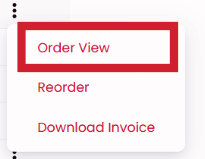
- Select the Action icon and Order View
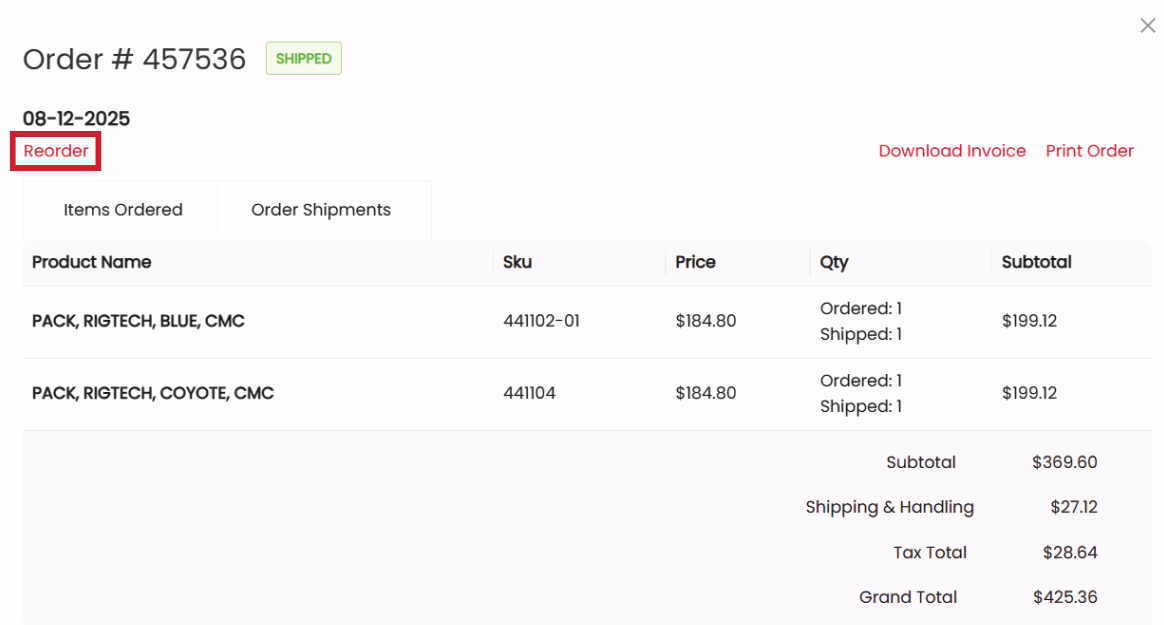
- Select Reorder